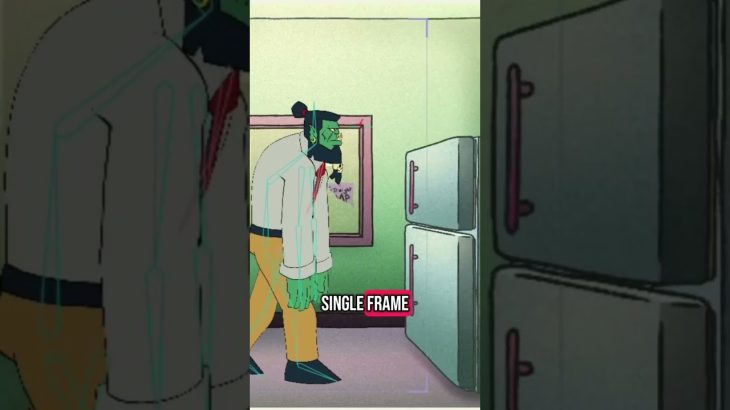
In this video, I’m showing off my John Orcman rig — the one that lets me animate without giving myself a hand cramp by drawing the same thing 100 times.
I built this rig in Moho Pro, and it handles everything: blinks, head turns, gestures, expressions, lip-sync — all without redrawing a single frame. It’s all built on a combo of bones, layers, smart actions, switch layers, and control points that let me pose and animate quickly without sacrificing character personality.
In this demo, you’ll see:
👁️ The character doing a blink, turn, and gesture — all handled by the rig
🦴 A peek at the rig setup in Moho: bone movement, switch layers, and how I structure the timeline
🎬 A quick look at the final output — a talking cycle or a bit of animation from The Mundane Life of John Orcman
👉 This setup saves me hours per scene and keeps my workflow fast, clean, and fun.
If you’re an animation student, an indie animator, or just curious about how 2D rigs work behind the scenes, this is for you. I share this stuff because I know how overwhelming rigging can feel when you’re starting out — and seeing how someone else builds theirs can make all the difference.
Follow for more behind-the-scenes animation, Moho rig builds, and 2D animation tips.
#JohnOrcman #MohoPro #RiggingDemo #2DAnimation #CharacterRig #AnimationWorkflow #IndieAnimation #MohoRig #CutoutAnimation #BehindTheScenesAnimation #SocialMediaAnimation #YouTubeShorts #TikTokAnimation #AnimationTips